
PROSCAN PSB3713-OP
PROSCAN 37-Inch Bluetooth Sound Bar User Manual
Model: PSB3713-OP
pengenalan
Terima kasih kerana membeliasing the PROSCAN 37-Inch Bluetooth Sound Bar. This ultra-slim sound bar is designed to enhance your audio experience with your Smart TV, offering versatile connectivity options including Bluetooth, Optical Digital Audio Input, and Aux-In. This manual provides detailed instructions for setup, operation, maintenance, and troubleshooting to ensure optimal performance and longevity of your device.
Maklumat Keselamatan Penting
PERINGATAN: Produk ini mengandungi bahan kimia yang diketahui oleh State of California yang menyebabkan barah dan cacat lahir atau bahaya pembiakan yang lain.
- Baca semua arahan sebelum mengendalikan peranti.
- Simpan manual ini untuk rujukan masa hadapan.
- Jangan dedahkan unit kepada hujan atau lembapan.
- Jangan sekat sebarang bukaan pengudaraan.
- Pastikan bekalan kuasa yang betul voltage seperti yang ditunjukkan pada unit.
- Cabut palam unit semasa ribut petir atau apabila tidak digunakan untuk tempoh yang lama.
- Rujuk semua servis kepada kakitangan perkhidmatan yang berkelayakan.
Apa yang ada dalam Kotak

Image: Contents of the PROSCAN Sound Bar box, showing the sound bar, remote control, AC power adapter, stereo audio connection cable, RCA audio cable, and mount screws.
Sila pastikan semua item berikut disertakan dalam pakej anda:
- PROSCAN 37-Inch Bluetooth Sound Bar
- Alat Kawalan Jauh
- Penyesuai Kuasa AC
- Stereo Audio Connection Cable
- Kabel Audio RCA
- Lekapkan Skru (untuk pemasangan di dinding)
- Manual Pengguna (dokumen ini)
Produk Selesaiview

Image: The PROSCAN 37-Inch Bluetooth Sound Bar positioned in front of a curved television screen, with its remote control placed nearby. The sound bar is sleek and black.
The PROSCAN 37-Inch Bluetooth Sound Bar is designed for optimal audio performance and ease of use. It features a sleek, ultra-slim design that complements any home entertainment setup.
Panel Depan

Imej: Bahagian hadapan langsung view of the PROSCAN 37-Inch Bluetooth Sound Bar, showcasing its minimalist design and speaker grille.
The front panel features the speaker grille and an LED indicator that shows the current input mode and status.
Panel Belakang (Sambungan)
The rear panel houses all the necessary input ports for connecting to your audio sources.
- Optical Digital Audio Input: For high-quality digital audio connection from your TV or other devices.
- AUX In (3.5mm): For connecting analog audio devices.
- DC DALAM: Port input kuasa.
Alat Kawalan Jauh
The included remote control allows you to manage all functions of the sound bar conveniently.
- Hidupkan/Mati Kuasa
- Kelantangan Naik/Turun
- Input Source Selection (Bluetooth, Optical, AUX, FM)
- bisu
- FM Radio controls (Scan, Preset)
Panduan Persediaan
1. penempatan
The sound bar can be placed on a table stand or wall-mounted.

Image: The PROSCAN Sound Bar wall-mounted directly above a flat-screen television, demonstrating a clean and space-saving installation.
- Stand Meja: Place the sound bar on a stable, flat surface in front of your TV. Ensure it does not block the TV's remote sensor.
- Pemasangan Dinding: Use the included mount screws to securely attach the sound bar to a wall. Refer to the wall mounting template (if provided separately) for precise drilling locations. Ensure the wall can support the weight of the sound bar.
2. Menyambung Sumber Audio
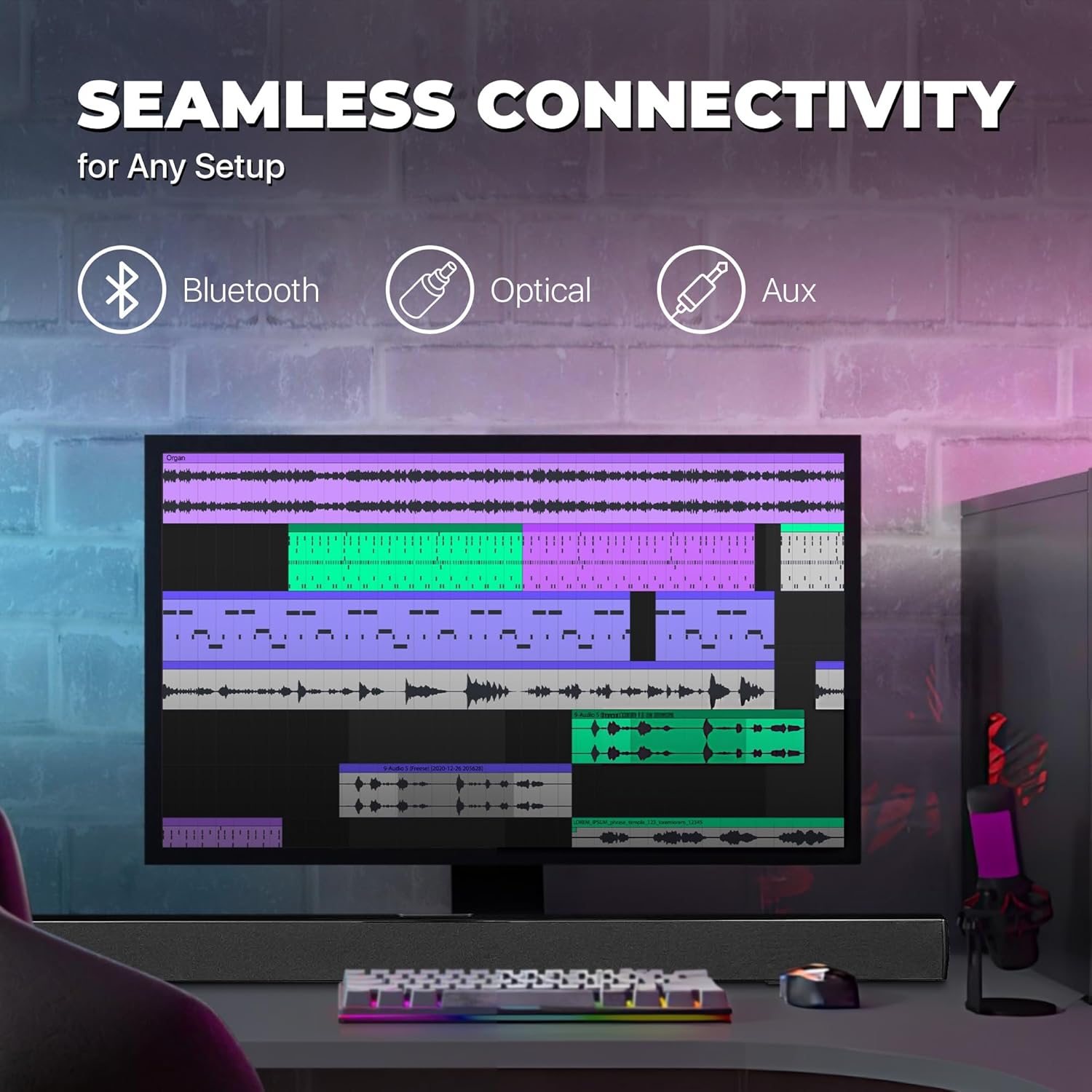
Image: A graphic illustrating the seamless connectivity options of the sound bar, including icons for Bluetooth, Optical, and Aux connections, with a sound bar placed below a computer monitor.
Pilih salah satu daripada kaedah berikut untuk menyambungkan sumber audio anda:
- Optical Digital Audio Connection:
Connect an optical cable (not included) from the OPTICAL OUT port on your TV or audio device to the OPTICAL IN port on the sound bar. This provides high-quality digital audio.
- Sambungan AUX (3.5mm):
Use the included 3.5mm audio cable to connect the AUX IN port on the sound bar to the headphone jack or audio output port on your device (e.g., TV, smartphone, MP3 player).
- Sambungan Bluetooth:
For wireless audio streaming from Bluetooth-enabled devices like smartphones, tablets, or laptops. (Detailed pairing instructions in the Operating section).
3. Sambungan Kuasa
Connect the included AC power adapter to the DC IN port on the sound bar, then plug the adapter into a standard wall outlet.
Arahan Operasi
Hidupkan/Mati Kuasa
Tekan ke KUASA button on the remote control or on the sound bar to turn the unit on or off.
Memilih Sumber Input
Tekan ke INPUT button on the remote control repeatedly to cycle through the available input sources: Bluetooth, Optical, AUX, FM. The LED indicator on the front panel will change to reflect the selected input.
Kawalan Kelantangan
Gunakan VOL+ dan vol- buttons on the remote control to adjust the volume. Press the HILANGKAN butang untuk menyenyapkan audio buat sementara waktu.
Berpasangan Bluetooth
- Turn on the sound bar and select Bluetooth mode using the INPUT button. The LED indicator will flash, indicating it's in pairing mode.
- Dayakan Bluetooth pada peranti anda (telefon pintar, tablet, dll.) dan cari peranti yang tersedia.
- Select "PSB3713-OP" from the list of found devices.
- Once paired, the LED indicator will stop flashing and remain solid. You can now play audio from your device through the sound bar.
Operasi Radio FM
Untuk menggunakan radio FM terbina dalam:
- Pilih mod FM menggunakan INPUT butang.
- Tekan ke IMBAS button on the remote control to automatically scan and save available FM stations.
- Gunakan SEBELUM dan SETERUSNYA butang untuk menavigasi stesen yang disimpan.
Penyelenggaraan
- Pembersihan: Gunakan kain lembut dan kering untuk membersihkan permukaan bar bunyi. Jangan gunakan pembersih cecair atau semburan aerosol.
- Storan: Jika menyimpan unit untuk tempoh yang lama, cabut palamnya dari salur keluar kuasa dan simpan di tempat yang sejuk dan kering.
- Pengudaraan: Ensure the sound bar has adequate ventilation and is not covered by cloths or other materials that could block airflow.
Menyelesaikan masalah
| Masalah | Kemungkinan Punca | Penyelesaian |
|---|---|---|
| Tiada kuasa | Penyesuai kuasa tidak disambungkan atau alur keluar tidak berfungsi. | Pastikan penyesuai kuasa disambungkan dengan selamat pada bar bunyi dan soket kuasa yang berfungsi. |
| Tiada bunyi | Incorrect input source selected; volume too low; audio cable not connected properly. | Select the correct input source (Bluetooth, Optical, AUX). Increase the volume. Check all audio cable connections. Ensure TV audio output is set correctly (e.g., PCM for Optical). |
| Penggandingan Bluetooth gagal | Bar bunyi tidak dalam mod berpasangan; peranti terlalu jauh; gangguan. | Ensure the sound bar is in Bluetooth pairing mode (flashing LED). Move your device closer to the sound bar. Turn off other Bluetooth devices to reduce interference. |
| Alat kawalan jauh tidak berfungsi | Batteries are dead or inserted incorrectly; obstacle between remote and sound bar. | Replace the remote control batteries. Ensure there is no obstruction between the remote and the sound bar's sensor. |
| Penerimaan FM yang lemah | Isyarat lemah. | Adjust the position of the sound bar or try rescanning for stations. |
Spesifikasi
| Ciri | Perincian |
|---|---|
| Nama Model | PSB3713-OP |
| Jenis Pembesar Suara | Bar bunyi |
| Saiz Pembesar Suara | 37 inci |
| Teknologi Ketersambungan | Bluetooth, Auxiliary (3.5mm), Optical |
| Komunikasi Tanpa Wayar | Bluetooth, Radio FM |
| Mod Keluaran Audio | Stereo, Bunyi Sekeliling |
| Kuasa Output Maksimum Pembesar Suara | 40 Watt |
| Impedans | 4 Ohm |
| Dimensi Produk (D x W x H) | 3.25"D x 3.25"W x 41.5"H |
| Berat Barang | 4.55 paun |
| warna | Hitam |
| Sumber Kuasa | Elektrik Bertali |
| Jenis Pengawal | Alat Kawalan Jauh |
| Jenis Pemasangan | Pelekap Bar |
Waranti dan Sokongan
This PROSCAN product comes with a Limited Warranty. For specific warranty terms and conditions, please refer to the warranty card included in your product packaging or contact PROSCAN customer support.
For technical support, troubleshooting assistance, or service inquiries, please contact the manufacturer, Curtis International LTD, or visit the PROSCAN official webtapak untuk maklumat hubungan.
Pengeluar: Curtis International Sdn. Bhd.
Webtapak: Visit the PROSCAN Store on Amazon
Ask a question about this manual
Ask about setup, troubleshooting, compatibility, parts, safety, or missing instructions. Manuals+ will review the question and use this page’s manual context to help answer it.