
ARRIS NVG589
Frontier Arris NVG 589 User Manual
Model: NVG589
pengenalan
The Arris NVG589 is a versatile DSL Modem and Wireless Router designed to provide high-speed internet access and home networking capabilities. This device integrates modem, router, and voice capabilities into a single unit, supporting DSL connections, wireless networking (802.11a/b/g/n), and multiple Ethernet ports. It is equipped to handle various home networking needs, including data over coaxial (HPNA) and Voice over IP (VoIP) lines.
This manual provides detailed instructions for setting up, operating, and maintaining your NVG589 device, along with troubleshooting tips for common issues.
Maklumat Keselamatan
Please read all safety instructions before using this product. Failure to follow these instructions could result in injury or damage to the device.
- Jangan dedahkan peranti kepada air atau lembapan.
- Jangan letakkan peranti berhampiran sumber haba seperti radiator, daftar haba, dapur, atau radas lain (termasuk amppenghidup) yang menghasilkan haba.
- Gunakan hanya penyesuai kuasa yang dibekalkan bersama peranti.
- Pastikan pengudaraan yang betul; jangan sekat sebarang bukaan pengudaraan.
- This device may include a backup battery slot (battery not included). Maintaining the battery is the customer's responsibility. Failure to replace a worn-out battery may lead to a loss of voice service during power outages and may damage the device. For replacement battery specifications and disposal information, contact ARRIS support.
- Produk ini bertujuan untuk kegunaan dalaman sahaja.
Legal Disclaimer: This device is in good working condition but may require specific configuration or compatibility adjustments for certain telecommunication systems. The seller cannot guarantee universal compatibility with all telco systems.
Kandungan Pakej
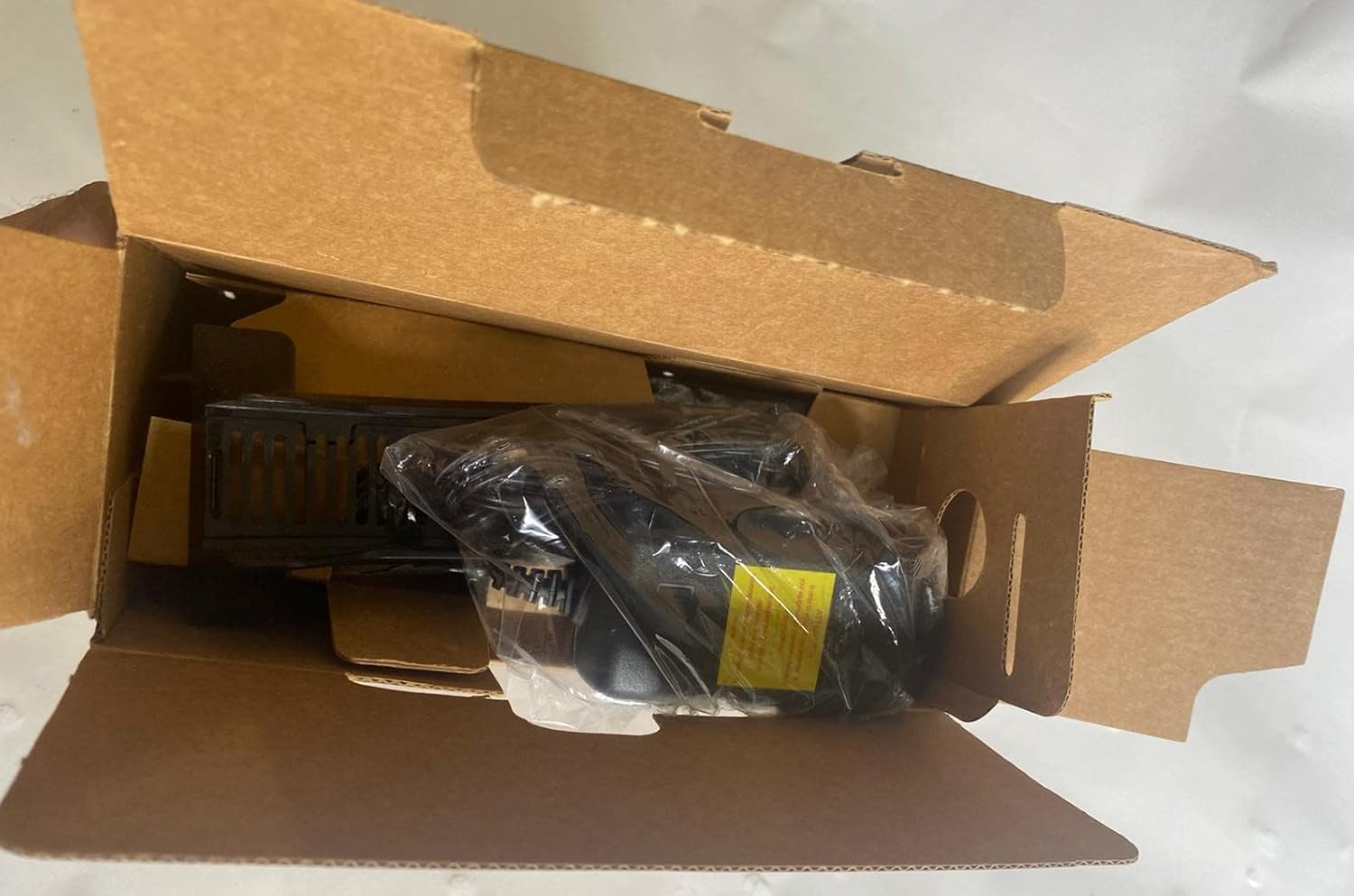
Sahkan bahawa semua item disertakan dalam pakej anda:
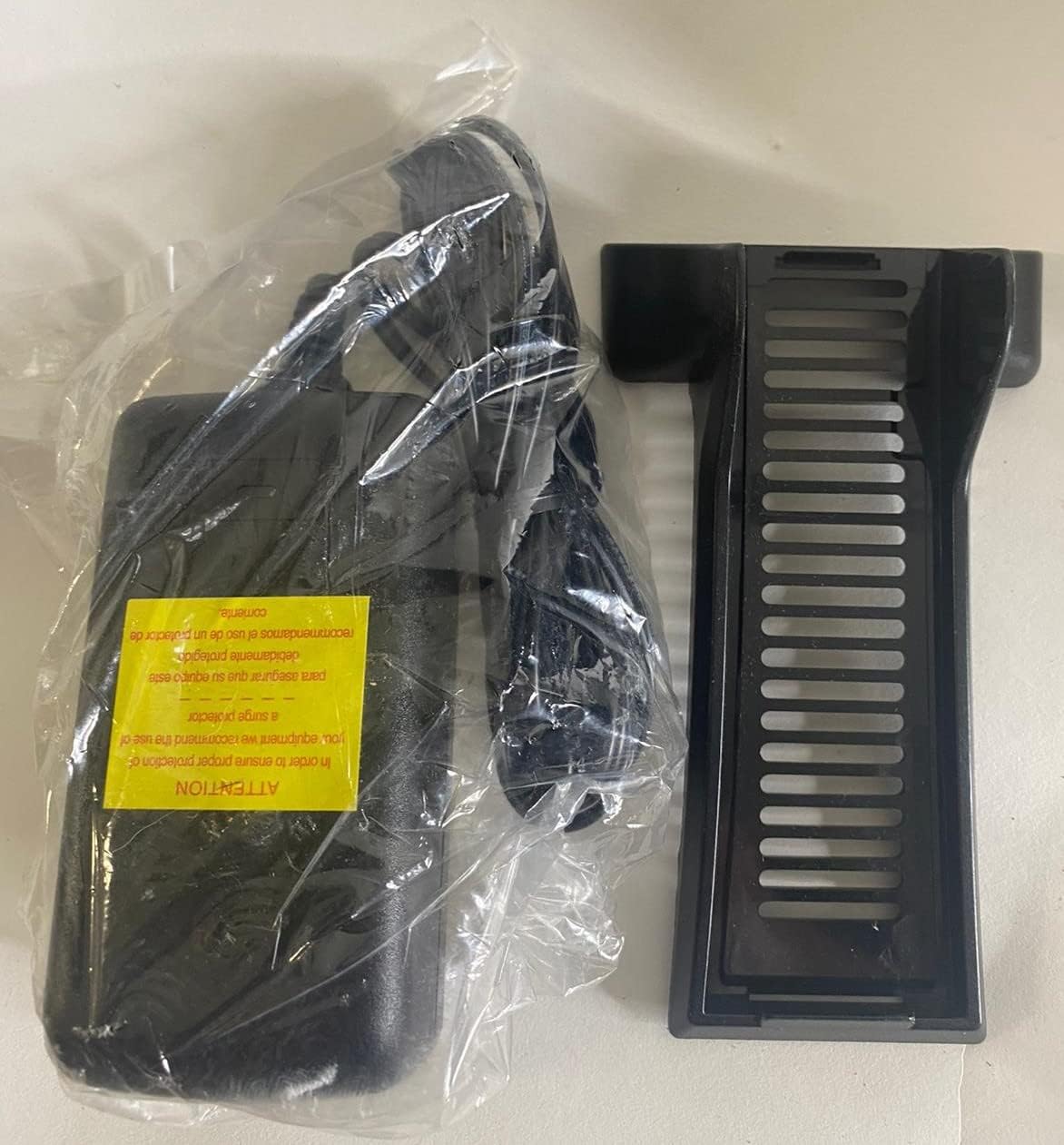
- Arris NVG589 DSL Modem/Wireless Router
- Penyesuai Kuasa
- Kabel Ethernet
- RJ11 Cable (for DSL connection)
- Vertical Stand (optional, for upright placement)

Image: Contents of the Arris NVG589 package, showing the modem, power adapter, and included cables.

Image: The power adapter and the optional vertical stand for the Arris NVG589.
Produk Selesaiview
Familiarize yourself with the various components and indicators of your Arris NVG589.
Penunjuk Panel Hadapan
Imej: Sisi view of the Arris NVG589, highlighting the status indicator lights.
- Kuasa: Menunjukkan status kuasa peranti.
- Bateri: (If battery installed) Indicates battery status (charging, low, etc.).
- Ethernet: Menunjukkan aktiviti pada port LAN Ethernet.
- wayarles: Menunjukkan status rangkaian Wi-Fi.
- HomePNA: Indicates activity on the HomePNA (coaxial) port.
- Broadband 1 & 2: Indicate the status of the DSL broadband connection(s).
- Perkhidmatan: Indicates the status of the internet service connection.
- Phone 1 & 2: Indicate the status of the VoIP phone lines.
- USB: Menunjukkan aktiviti pada port USB.
Pelabuhan Panel Belakang
Imej: Belakang view of the Arris NVG589, displaying all connectivity ports.
- Kuasa: Menyambung kepada penyesuai kuasa.
- Tetapkan semula: Small button to reset the device (use a paperclip).
- Phone Lines (1 & 2): RJ-11 ports for connecting analog telephones for VoIP service.
- Talian kabel: F-connector for HomePNA (coaxial) data devices.
- Ethernet (1-4): RJ-45 ports for connecting wired devices (computers, gaming consoles, etc.).
- DSL: RJ-11 port for connecting to the DSL line from your wall jack.
- USB: USB port for future use or connecting compatible devices.
- ONT: Optical Network Terminal port (typically for fiber connections, may not be used for DSL).
Panel Bawah

Imej: Bawah view of the Arris NVG589, displaying product information and warnings.
The bottom panel contains important information such as the default Wi-Fi Network Name (SSID), Wi-Fi Password, and Device Access Code. It also includes a warning regarding the optional backup battery.
Panduan Persediaan
Follow these steps to set up your Arris NVG589 modem/router:
- Letakkan Peranti: Place the NVG589 in a central location in your home, away from obstructions and heat sources, to ensure optimal Wi-Fi coverage.
- Sambungkan Talian DSL: Connect one end of the RJ11 cable (phone cable) to the DSL port on the rear of the NVG589 and the other end to your wall's DSL jack.
- Sambungkan Kuasa: Plug the power adapter into the Power port on the rear of the NVG589, then plug the other end into an electrical outlet. The Power indicator on the front panel should light up.
- Tunggu untuk Permulaan: Allow several minutes for the device to power on and establish a connection. The Broadband 1, Broadband 2, and Service indicators should eventually turn solid green, indicating a successful internet connection.
- Sambungkan Peranti Berwayar (Pilihan): For wired connections, connect an Ethernet cable from one of the yellow Ethernet ports (1-4) on the rear of the NVG589 to the Ethernet port on your computer or other network device.
- Connect Wireless Devices: On your wireless device (smartphone, laptop, tablet), search for available Wi-Fi networks. Select the network name (SSID) found on the bottom label of your NVG589. Enter the Wi-Fi Password (also on the bottom label) when prompted.
- Connect Phone Lines (Optional): If you have VoIP service, connect your analog telephone(s) to the Phone Lines 1 & 2 ports using standard phone cables.
Operasi
Once your Arris NVG589 is set up, it will automatically manage your internet connection and local network. Here are some basic operational aspects:
- Akses internet: The device provides internet access to all connected wired and wireless devices.
- Rangkaian Wi-Fi: The NVG589 broadcasts a Wi-Fi network. You can find the default network name (SSID) and password on the label on the bottom of the device. For security, it is recommended to change the default Wi-Fi password via the device's web antara muka.
- VoIP Service: If configured, the device supports two VoIP lines for phone service.
- Web Antara muka: You can access the modem's configuration settings by typing its IP address (usually 192.168.1.254) into a web browser. You will need the Device Access Code from the bottom label to log in.
Penyelenggaraan
Regular maintenance helps ensure the longevity and optimal performance of your NVG589.
- Pembersihan: Dust the device regularly with a soft, dry cloth. Do not use liquid cleaners or aerosols.
- Pengudaraan: Pastikan lubang pengudaraan tidak tersumbat. Aliran udara yang betul menghalang pemanasan melampau.
- Kemas kini Firmware: Periksa pengeluar secara berkala website for firmware updates. Firmware updates can improve performance, add features, and fix bugs.
- Memulakan semula: If you experience slow performance or connectivity issues, try restarting the device by unplugging the power cord for 10 seconds and then plugging it back in.
Menyelesaikan masalah
Berikut ialah penyelesaian kepada isu biasa yang mungkin anda hadapi:
| Masalah | Kemungkinan Punca | Penyelesaian |
|---|---|---|
| Tiada Lampu Penunjuk Kuasa | Penyesuai kuasa tidak disambungkan atau alur keluar rosak. | Pastikan penyesuai kuasa dipasang dengan kukuh pada peranti dan soket elektrik yang berfungsi. Cuba soket lain. |
| Broadband/Service Lights Not Solid Green | DSL line not connected, service issue, or modem not synced. | Check RJ11 cable connection to DSL port and wall jack. Restart the modem. If issue persists, contact your internet service provider. |
| No Internet Access (Wired) | Ethernet cable loose, network adapter issue, or modem not providing internet. | Ensure Ethernet cable is securely connected to both the modem and your device. Check modem's internet status lights. Restart both modem and computer. |
| No Internet Access (Wireless) | Kata laluan Wi-Fi yang salah, Wi-Fi dilumpuhkan atau gangguan isyarat. | Verify Wi-Fi password. Check if Wireless indicator is on. Move closer to the modem. Restart the modem. |
| Phone Service Not Working | Phone cable loose, VoIP service not active, or modem issue. | Ensure phone cables are securely connected to the Phone Lines ports. Check Phone 1/2 indicators. Restart the modem. Contact your service provider if VoIP service is not active. |
| Kelajuan Internet Perlahan | Network congestion, Wi-Fi interference, or service plan limitations. | Reduce number of active devices. Optimize Wi-Fi channel. Consider upgrading your internet plan. Restart the modem. |
Spesifikasi Teknikal
| Ciri | Spesifikasi |
|---|---|
| Nama Model | Arris NVG589 |
| Jenis Wayarles | 802.11a/b/g/n |
| Kelas Band Kekerapan | Single-Band |
| Teknologi Ketersambungan | Ethernet, USB, HPNA, WiFi, Optical Network Port |
| Berat Barang | 1.8 paun |
| Dimensi Produk (LxWxH) | 10.2 x 7.7 x 3.5 inci |
| warna | Hitam |
| Voltage | 12 Volt |
| Sistem Operasi | Arris proprietary firmware |
| Komponen yang Disertakan | Ethernet cable, RJ11 cable, power cord |
Waranti dan Sokongan
This Arris NVG589 device typically comes with a limited manufacturer's warranty. Please refer to the original purchase documentation or contact your service provider for specific warranty terms and conditions.
For technical support, troubleshooting assistance beyond this manual, or warranty claims, please contact your internet service provider or visit the official ARRIS support weblaman web. Anda selalunya boleh menemui sumber tambahan, Soalan Lazim dan maklumat hubungan di halaman sokongan mereka.
ARRIS Support: www.arris.com/consumer
Ask a question about this manual
Ask about setup, troubleshooting, compatibility, parts, safety, or missing instructions. Manuals+ will review the question and use this page’s manual context to help answer it.