
pengenalan
The Adesso AKB-132UB Multimedia Desktop Keyboard is designed to enhance your computing experience with its 104-key layout and integrated multimedia and internet hotkeys. This keyboard features quiet membrane key switches for a comfortable and responsive typing experience. It connects to your computer via a USB interface.
Kandungan Pakej
Sila sahkan bahawa semua item terdapat dalam pakej anda:
- Adesso AKB-132UB Multimedia Desktop Keyboard
- Panduan Mula Pantas
Persediaan
- Power Off Your Computer: For optimal installation, it is recommended to power off your computer before connecting the keyboard.
- Sambungkan Kabel USB: Locate an available USB port on your computer. Plug the USB connector of the Adesso AKB-132UB keyboard firmly into the USB port. Note: Some USB keyboards may be sensitive to the specific port used. If the keyboard does not function, try a different USB port, preferably one directly on the computer's motherboard (e.g., at the back of a desktop PC) rather than a USB hub.
- Power On Your Computer: Turn on your computer. The operating system should automatically detect and install the necessary drivers for the keyboard.
- Sahkan Fungsi: Once the drivers are installed, test the keyboard by typing in a text editor or navigating your system. The Num Lock, Caps Lock, and Scroll Lock indicator lights should function correctly.
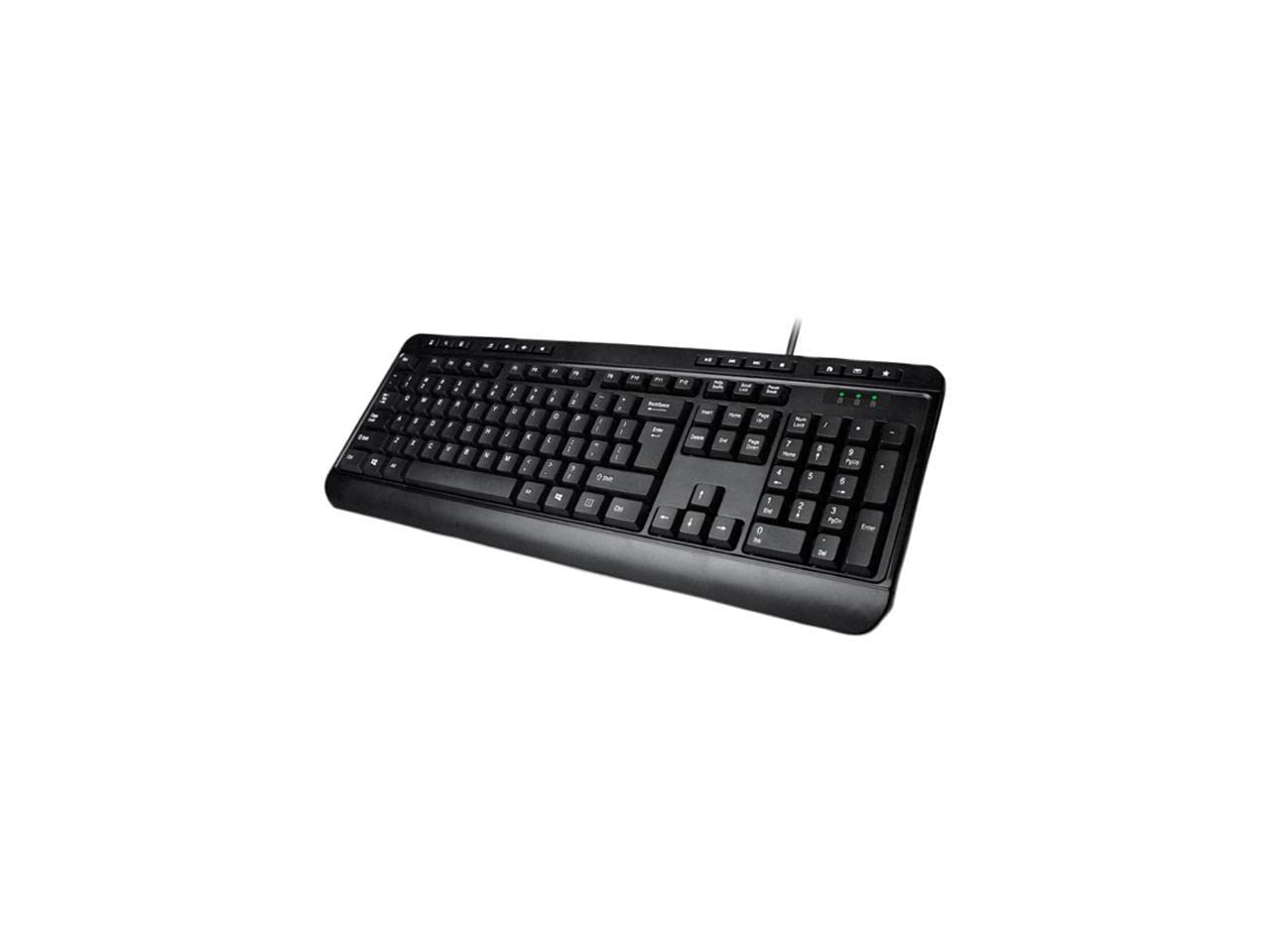
Image: Adesso AKB-132UB Multimedia Desktop Keyboard. This image shows the full keyboard with its standard 104-key layout and the attached USB cable for connection.
Arahan Operasi
Standard Keyboard Functions
The Adesso AKB-132UB features a standard 104-key US layout. Keys operate as labeled. The keyboard utilizes membrane switches, providing a quiet and tactile typing experience.
- Lampu Penunjuk: Located above the numeric keypad, these lights indicate the status of Num Lock, Caps Lock, and Scroll Lock.
- Kecondongan boleh laras: The keyboard includes foldable feet on the underside to adjust the typing angle for comfort.
Hotkeys Multimedia
The keyboard includes 8 dedicated multimedia hotkeys for quick access to media player controls:
- Pemain Media: Opens your default media player application.
- Perlahankan suara: Decreases the system volume.
- Kelantangan: Increases the system volume.
- Redam: Toggles the system sound on or off.
- Main/Jeda: Memainkan atau menjeda main balik media.
- Trek Sebelumnya: Skips to the previous track in your media player.
- Lagu Seterusnya: Skips to the next track in your media player.
- Berhenti: Menghentikan main balik media.
Windows & Internet Hotkeys
The keyboard also features 6 hotkeys for common Windows and Internet functions:
- Komputer saya: Opens the "This PC" or "My Computer" window.
- Cari: Opens the system search utility.
- Kalkulator: Launches the Windows Calculator application.
- Mel: Opens your default email client.
- Rumah: Membuka lalai anda web pelayar ke halaman utamanya.
- Kegemaran: Membuka anda web browser's favorites/bookmarks.
Spesifikasi
| Ciri | Perincian |
|---|---|
| Jenama | Adesso |
| Nombor Model | AKB-132UB |
| Teknologi Ketersambungan | Berwayar (USB) |
| Susun atur papan kekunci | 104-Key US Layout (QWERTY) |
| Jenis Kekunci | Suis Membran |
| Hotkeys Multimedia | 8 (Media Player, Volume Down, Volume Up, Mute, Play/Pause, Previous Track, Next Track, Stop) |
| Windows & Internet Hotkeys | 6 (My Computer, Search, Calculator, Mail, Home, Favorites) |
| Penunjuk | Num Lock, Caps Lock, Scroll Lock |
| Kitaran Hidup | 5 Juta Penekanan Kekunci |
| warna | Hitam |
| bahan | plastik |
| Berat Barang | 1.5 paun |
Menyelesaikan masalah
- Papan Kekunci Tidak Membalas:
- Ensure the USB cable is securely connected to a working USB port on your computer.
- Try plugging the keyboard into a different USB port, especially a direct port on the computer's rear, bypassing any USB hubs.
- Mulakan semula komputer anda untuk membolehkan sistem pengendalian mengesan semula peranti tersebut.
- Test the keyboard on another computer to determine if the issue is with the keyboard or your computer's setup.
- Keys Not Functioning Correctly or Unexpected Characters:
- Sahkan bahawa susun atur papan kekunci yang betul dipilih dalam tetapan sistem pengendalian anda.
- Pastikan tiada objek asing yang tersekat di bawah kunci.
- For specific keys like the 'Enter' key, be aware that some keyboard layouts may place the backslash key adjacent to it. Familiarization with the physical layout is key.
- Wobbly Keyboard:
- Pastikan papan kekunci diletakkan di atas permukaan yang rata dan stabil.
- Check if the adjustable tilt feet are fully extended or retracted evenly.
Penyelenggaraan
To maintain the performance and longevity of your Adesso AKB-132UB keyboard:
- Pembersihan: Gunakan yang lembut, sedikit damp cloth to wipe the surface of the keyboard. Avoid using harsh chemicals or abrasive cleaners. For cleaning between keys, use compressed air to remove dust and debris.
- Elakkan Tumpahan: Jauhkan cecair dari papan kekunci untuk mengelakkan kerosakan pada komponen dalaman.
- Storan: Apabila tidak digunakan untuk tempoh yang lama, simpan papan kekunci di persekitaran yang bersih dan kering.
Waranti dan Sokongan
The Adesso AKB-132UB Multimedia Desktop Keyboard comes with a Waranti terhad 1 tahun dari tarikh pembelian. Waranti ini melindungi kecacatan pada bahan dan mutu kerja di bawah penggunaan biasa.
For technical support, warranty claims, or further assistance, please contact Adesso customer service. Refer to the official Adesso webtapak untuk maklumat hubungan terkini.
Note: This product contains chemicals known to the State of California to cause cancer and birth defects or other reproductive harm.