
Taurus 947245000
Taurus Alpatec Babel RC Tower Fan User Manual
Model: 947245000
1. Pengenalan
Terima kasih kerana membeliasing the Taurus Alpatec Babel RC Tower Fan. This manual provides important information regarding the safe operation, installation, maintenance, and troubleshooting of your new appliance. Please read this manual thoroughly before use and retain it for future reference.
The Taurus Alpatec Babel RC is a 45W tower fan designed for efficient air circulation, featuring 3 speed settings, 3 operating modes (Normal, Breeze, Night), a 7.5-hour timer, oscillation function, and convenient remote control. Its compact design and integrated handle make it easy to move and store.
2. Arahan Keselamatan Penting
Sentiasa ikuti langkah berjaga-jaga keselamatan asas apabila menggunakan peralatan elektrik untuk mengurangkan risiko kebakaran, renjatan elektrik dan kecederaan.
- Baca semua arahan sebelum menggunakan kipas.
- Pastikan voltage yang ditunjukkan pada label penilaian sepadan dengan vol utama andatage.
- Jangan rendam kipas, palam atau kord di dalam air atau cecair lain.
- Unplug from the outlet when not in use, before cleaning, or before moving.
- Jangan kendalikan sebarang perkakas dengan kord atau palam yang rosak, atau selepas perkakas tidak berfungsi atau rosak dalam apa jua cara.
- Jauhkan kipas daripada kanak-kanak dan haiwan peliharaan.
- Jangan masukkan jari atau objek asing ke dalam mana-mana bukaan kipas.
- Jangan gunakan di luar rumah.
- Letakkan kipas pada permukaan yang stabil dan rata.
- Ensure the fan grilles are not blocked.
3. Komponen Produk
Familiarize yourself with the main parts of your Taurus Alpatec Babel RC Tower Fan:
- Panel kawalan dengan paparan LED
- Gril Outlet Udara
- Pangkalan
- Kord Kuasa
- Remote Control (with dedicated storage slot)
- Pemegang Bawa Bersepadu

Rajah 3.1: Depan view of the Taurus Alpatec Babel RC Tower Fan, showing its sleek design and control panel.

Rajah 3.2: Sisi view of the tower fan, highlighting its slim profile dan asas yang stabil.
4. Persediaan dan Pemasangan
The Taurus Alpatec Babel RC Tower Fan comes largely pre-assembled. Follow these steps for initial setup:
- Membongkar: Tanggalkan kipas dari pembungkusannya dengan berhati-hati. Simpan pembungkusan untuk penyimpanan atau pengangkutan pada masa hadapan.
- Pemasangan Tapak (jika diperlukan): Some models may require attaching the base. Align the base with the bottom of the fan body and secure it using the provided screws. Ensure it is firmly attached for stability.
- penempatan: Place the fan on a firm, level surface, away from curtains or other objects that could obstruct airflow. Ensure there is adequate space around the fan for optimal performance and oscillation.
- Sambungan Kuasa: Plug the power cord into a standard electrical outlet (240V).

Rajah 4.1: Belakang view of the fan, showing the integrated carry handle for easy portability.
5. Arahan Operasi
Your Taurus Alpatec Babel RC Tower Fan can be operated using the control panel on top of the unit or the included remote control.
5.1 Panel Kawalan dan Alat Kawalan Jauh

Figure 5.1: Close-up of the fan's control panel, showing buttons for power, speed, mode, timer, and oscillation.

Figure 5.2: A hand holding the remote control, which can be stored in a dedicated slot on the fan's top panel.
The remote control offers the same functionalities as the control panel for convenient operation from a distance. Ensure the remote control is pointed towards the fan's control panel for effective communication.
5.2 Fungsi
- Hidupkan/Mati Kuasa: Tekan ke kuasa butang (
 ) untuk menghidupkan atau mematikan kipas.
 - Tetapan Kelajuan: Tekan ke Kelajuan button to cycle through 3 speed settings: Low, Medium, High. The current speed will be indicated on the LED display.
- Mod Pengendalian: Tekan ke Mod button to select from 3 modes:
- Biasa: Aliran udara berterusan pada kelajuan yang dipilih.
- Angin: Mensimulasikan angin semula jadi dengan kelajuan kipas yang berbeza-beza.
- Night (Sleep): Beroperasi pada kelajuan yang lebih rendah dan lebih senyap untuk tidur yang tidak terganggu.
- Pengayun: Tekan ke Oscillation button to activate or deactivate the automatic oscillation function, which distributes air across a wider area.
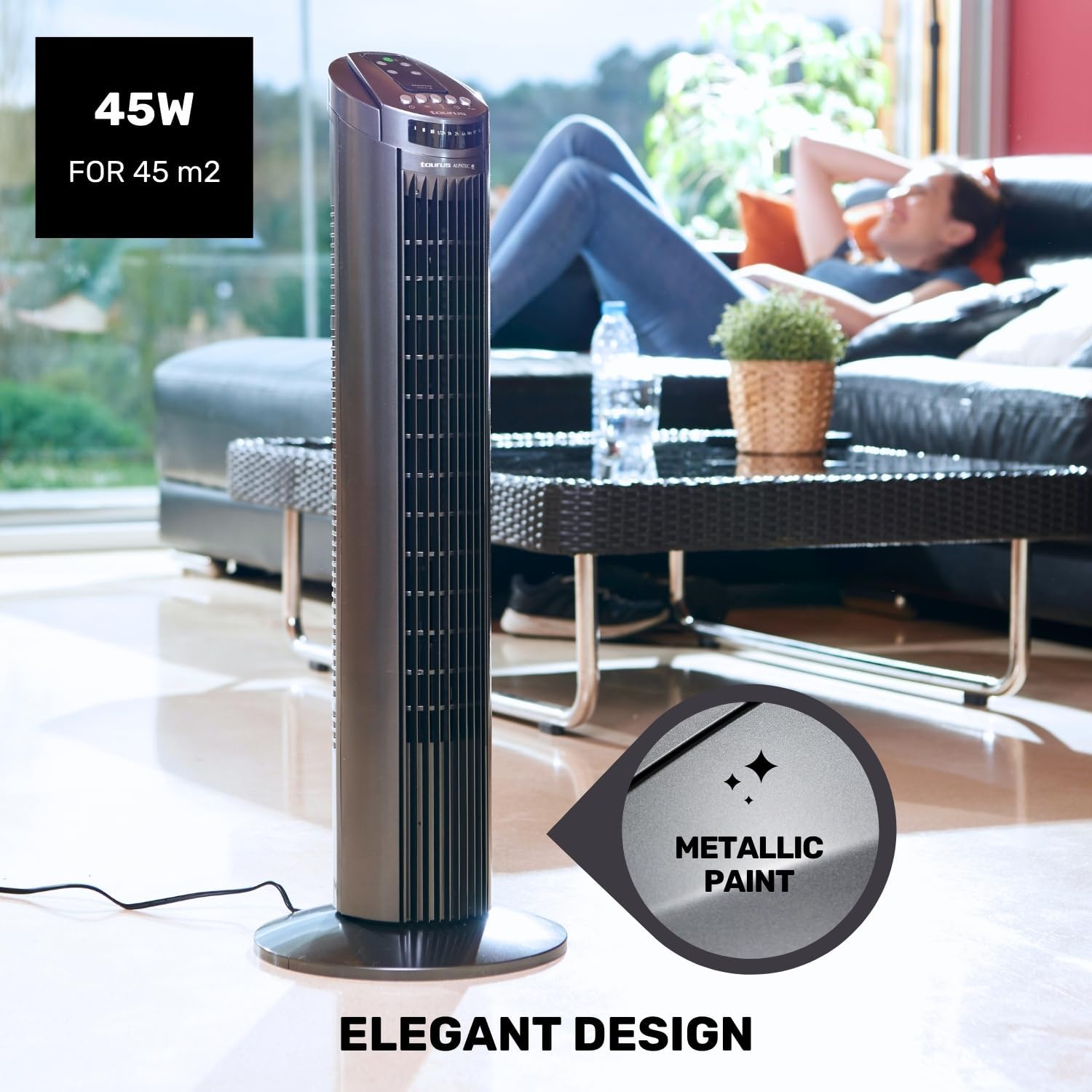
Figure 5.3: The fan in oscillation mode, showing the wide air distribution.
- Pemasa: Tekan ke Pemasa button to set the fan to automatically turn off after a specified period. The timer can be set up to 7.5 hours. Each press typically adds 0.5 hours or 1 hour, depending on the model's increment.

Figure 5.4: The fan operating in Night mode, designed for quiet performance during sleep.

Figure 5.5: Illustration of the different airflow modes: Normal, Breeze, and Night.
6. Penyelenggaraan dan Pembersihan
Pembersihan dan penyelenggaraan yang kerap akan membantu memanjangkan hayat kipas anda dan memastikan prestasi optimum.
- Sebelum Pembersihan: Sentiasa cabut plag kipas dari salur keluar kuasa sebelum membersihkan.
- Pembersihan Luaran: Lap permukaan luar kipas dengan lembut, damp kain. Jangan gunakan pembersih atau pelarut yang melelas, kerana ini boleh merosakkan permukaan.
- Pembersihan gril: Use a vacuum cleaner with a brush attachment to remove dust from the air inlet and outlet grilles. This helps maintain efficient airflow.
- Storan: When not in use for extended periods, store the fan in its original packaging in a cool, dry place.
7. Penyelesaian masalah
Jika anda mengalami masalah dengan kipas anda, sila rujuk masalah dan penyelesaian biasa berikut:
| Masalah | Kemungkinan Punca | Penyelesaian |
|---|---|---|
| Kipas tidak dihidupkan. | Tiada bekalan kuasa. Butang kuasa tidak ditekan. | Pastikan kipas dipasang pada soket yang berfungsi. Tekan butang Kuasa pada panel kawalan atau alat kawalan jauh. |
| Aliran udara yang lemah. | Grilles are blocked by dust. Kipas berada pada tetapan kelajuan rendah. | Clean the air inlet and outlet grilles. Meningkatkan kelajuan kipas. |
| Ayunan tidak berfungsi. | Fungsi ayunan dimatikan. | Press the Oscillation button to activate. |
| Alat kawalan jauh tidak berfungsi. | Bateri mati atau tidak dimasukkan dengan betul. Halangan antara alat kawalan jauh dan kipas. | Gantikan bateri dan pastikan polariti yang betul. Ensure a clear line of sight to the fan's control panel. |
If the problem persists after trying these solutions, please contact Taurus customer support.
8. Spesifikasi Produk
| Ciri | Spesifikasi |
|---|---|
| Nombor Model | 947245000 (Babel RC) |
| Jenama | Taurus |
| kuasa | 45 Watt |
| Voltage | 240V |
| Bilangan Kelajuan | 3 |
| Mod Pengendalian | Normal, Breeze, Night |
| Pemasa | Sehingga 7.5 Jam |
| Oscillation | ya |
| Dimensi (L x W x H) | 26 x 26 x 75.5 cm (10.2 x 10.2 x 29.7 inci) |
| Berat Bersih | 2.6 kg (5.7 lbs) |
| bahan | plastik |
| warna | Kelabu |
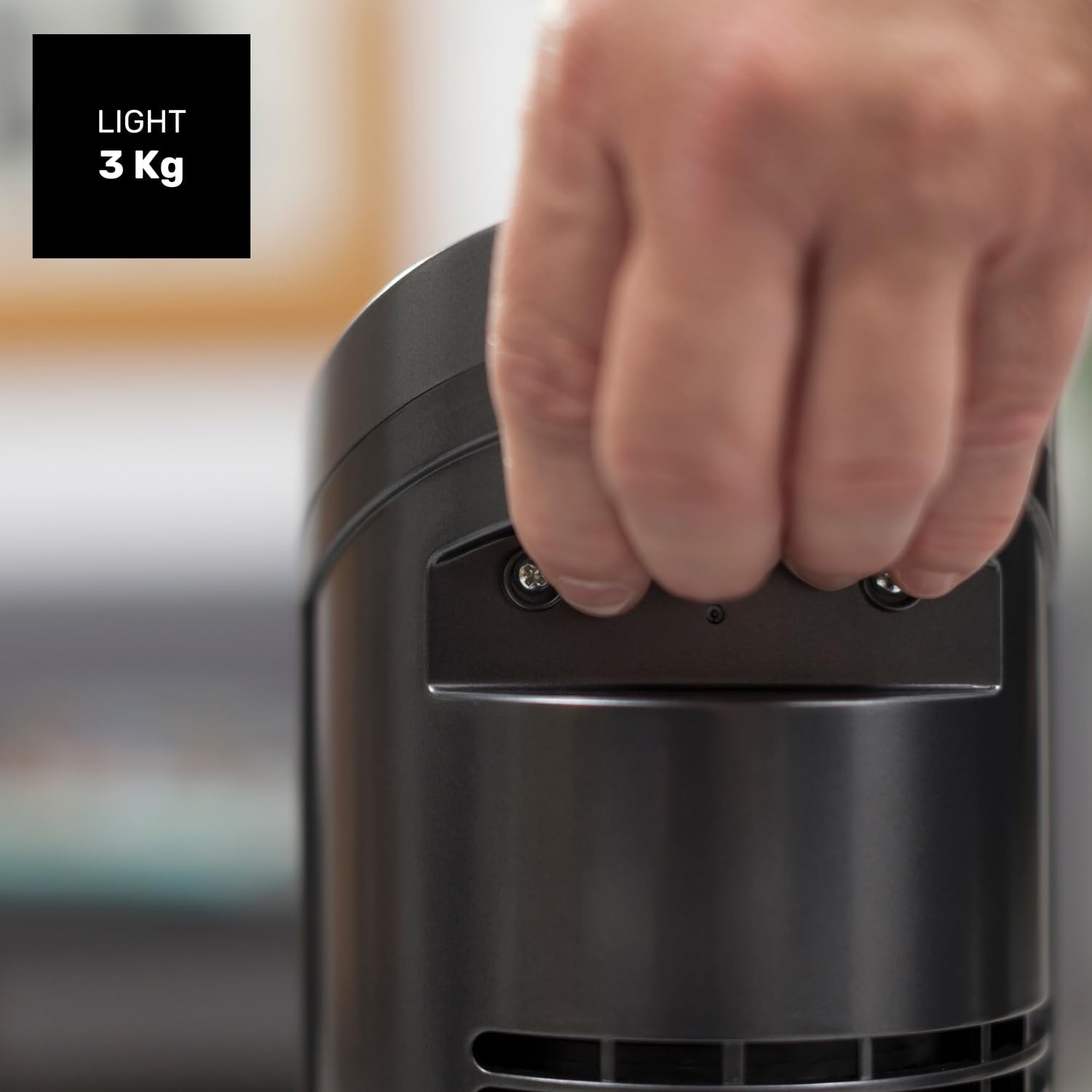
Figure 8.1: Diagram showing the dimensions of the Taurus Alpatec Babel RC Tower Fan.
9. Waranti dan Sokongan
Taurus products are manufactured to high-quality standards. For information regarding warranty coverage, please refer to the warranty card included with your purchase or visit the official Taurus webtapak. Simpan bukti pembelian anda untuk tuntutan waranti.
For technical support, spare parts, or service inquiries, please contact Taurus customer service through their official channels. You can find contact information on the Taurus webtapak atau pada pembungkusan produk anda.
Sumber Dalam Talian: For additional information and product registration, visit the official Taurus webtapak: www.taurus-home.com
10. Pelupusan Mesra Alam
This symbol on the product or its packaging indicates that this product shall not be treated as household waste. Instead, it shall be handed over to the applicable collection point for the recycling of electrical and electronic equipment. By ensuring this product is disposed of correctly, you will help prevent potential negative consequences for the environment and human health, which could otherwise be caused by inappropriate waste handling of this product. For more detailed information about recycling of this product, please contact your local city office, your household waste disposal service or the shop where you purchased the product.
Ask a question about this manual
Ask about setup, troubleshooting, compatibility, parts, safety, or missing instructions. Manuals+ will review the question and use this page’s manual context to help answer it.