
1. Introduction to Spyborgs
Spyborgs is an action-adventure beat 'em up video game developed by Capcom for the Nintendo Wii console. Players control a team of cybernetically enhanced agents, known as Spyborgs, to combat a rogue faction of their own kind. The game emphasizes cooperative gameplay, allowing two players to team up or a single player to switch between characters. Engage in fast-paced combat, utilize unique character abilities, and navigate diverse environments to complete missions.
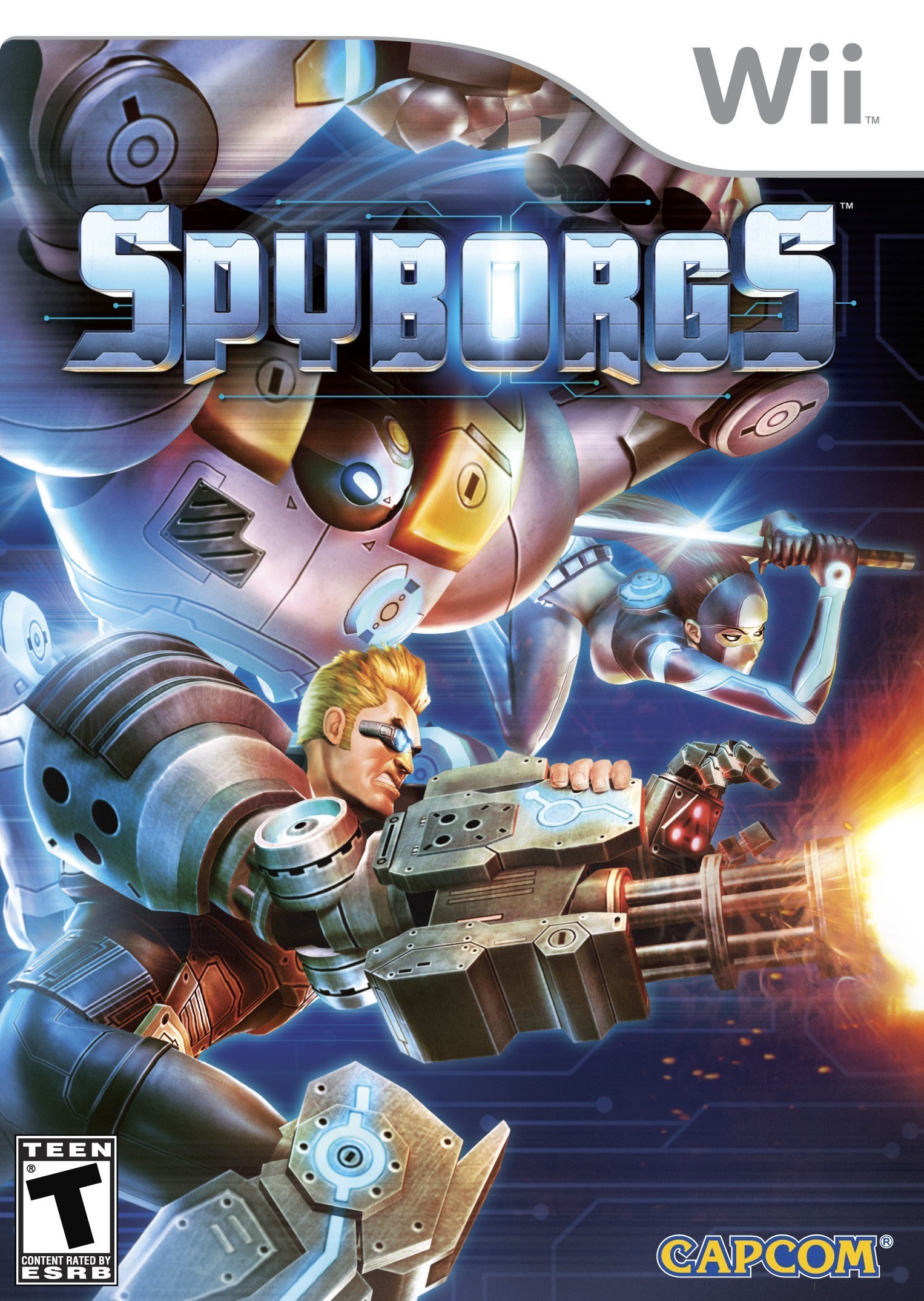
Image: Spyborgs game box art, featuring the game title and main characters.
2. Persediaan dan Pemasangan
2.1 Console Compatibility
This game is designed for the Nintendo Wii console. It is also compatible with the Nintendo Wii Mini and Nintendo Wii U (in Wii Mode). Ensure your console is properly connected to your television and power source.
2.2 Memasukkan Cakera Permainan
- Hidupkan konsol Nintendo Wii anda.
- Open the disc slot cover on the front of the console.
- Insert the Spyborgs game disc with the label facing up into the disc slot.
- Close the disc slot cover. The game will typically load automatically or appear as an option on the Wii Menu.
3. Operasi dan Permainan
3.1 Kawalan Asas
Spyborgs utilizes the Wii Remote and Nunchuk for gameplay.
- "B" Button (Wii Remote Trigger): Executes weak attacks.
- "C" Button (Nunchuk): Executes strong attacks.
- "A" Button (Wii Remote Front): Initiates jumps.
- "Z" Button (Nunchuk): Activates guarding/blocking.
- Finisher Move: When your power meter is full, block with "Z" and then press "A" to unleash a powerful finisher.
- Wii Remote Pointer: Use the pointer to locate hidden items and enemies within the environment.
- Butang "+": In single-player mode, press this button to switch control between your active Spyborg and your AI companion.
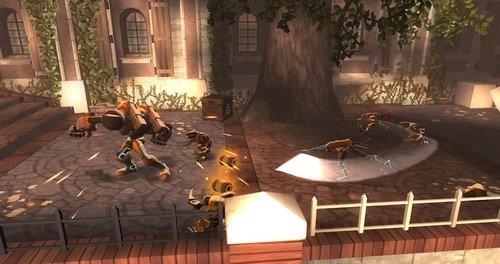
Image: Stinger, one of the Spyborgs, engaging multiple enemies with ranged attacks in a city setting.
3.2 Combat and Combos
Combine weak and strong attacks to create various combat combos. These combos can lead to launchers for air attacks, powerful single hits, or sustained attack strings. Successfully executing combos contributes to earning in-game currency, which can be used to purchase upgrades for your characters' attack power and health.

Image: Bouncer, a large Spyborg, using his powerful arms to attack a larger enemy robot in an industrial facility.
4. Gameplay Modes and Features
4.1 Single-Player and Co-op
Spyborgs supports both single-player and cooperative multiplayer. In single-player mode, you will be accompanied by an AI partner. You can select which of the three Spyborgs will be your AI companion and switch control between them at any point during a level using the "+" button on the Wii Remote. For cooperative play, a second player can join using another Wii Remote and Nunchuk.
4.2 Difficulty Settings
The game offers four initial difficulty settings to accommodate various skill levels. An additional fifth difficulty setting can be unlocked through gameplay progression.
4.3 Unlockables
Discover hidden items and complete challenges to unlock achievements, cheats, and in-game movies.
5. Spyborg Characters
Choose from three distinct Spyborgs, each with unique abilities and combat styles:
- Stinger: Specializes in ranged combat. While his weak attacks have a shorter range, his strong attacks utilize a built-in arm gun for long-range effectiveness.
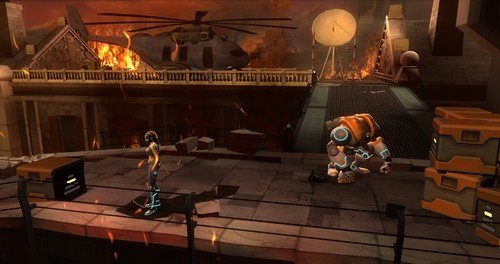
Image: Stinger standing in a fiery, damaged environment, ready for combat.
- Bouncer: The slowest but most powerful Spyborg. His long arms allow for wide-area attacks, making him effective against groups of enemies.
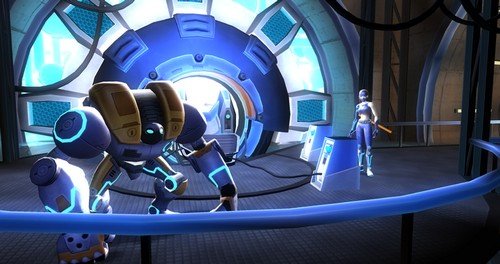
Image: Bouncer in a futuristic laboratory setting, showcasing his large, robust design.
- Clandestine: The fastest but least powerful Spyborg. She uses a small sword for medium-range attacks, focusing on agility and quick strikes.

Image: Clandestine in a damaged building with fire in the background, demonstrating her agile stance.
6. Official Videos
6.1 Spyborgs - Nintendo Wii Overview
Video: Seorang pegawai tamatview trailer for Spyborgs on Nintendo Wii, showcasing various aspects of the game including characters and environments. Duration: 1 minute, 9 seconds.
6.2 Spyborgs - Gameplay Footage
Video: Permainan rasmi footage from Spyborgs, demonstrating combat mechanics and character abilities in action. Duration: 1 minute, 31 seconds.
7. Penyelenggaraan
7.1 Penjagaan Cakera
To ensure optimal performance and longevity of your Spyborgs game disc, follow these guidelines:
- Always hold the disc by its edges to avoid touching the playing surface.
- Simpan cakera dalam bekas asalnya apabila tidak digunakan untuk melindunginya daripada habuk dan calar.
- If the disc becomes dirty, gently wipe it with a soft, lint-free cloth from the center outwards. Do not use abrasive materials or harsh cleaning solutions.
- Avoid exposing the disc to direct sunlight, extreme temperatures, or high humidity.
8. Penyelesaian masalah
8.1 Game Not Loading
- Check Disc Condition: Inspect the game disc for any visible scratches, smudges, or damage. Clean the disc if necessary (refer to Section 7.1).
- Reinsert Disc: Remove the disc and reinsert it into the console, ensuring it is correctly oriented.
- Mulakan Semula Konsol: Power off your Nintendo Wii console completely, wait a few seconds, and then power it back on before attempting to load the game again.
- Keserasian Konsol: Verify that your console model is compatible with Nintendo Wii games.
8.2 Controller Issues
- Resync Controllers: If your Wii Remote or Nunchuk is unresponsive, try resyncing it with the console. Refer to your Nintendo Wii console's instruction manual for detailed syncing procedures.
- Semak Bateri: Ensure the batteries in your Wii Remote are fresh and correctly inserted.
9. Spesifikasi
| Tajuk | Spyborgs |
| Platform | Nintendo Wii |
| Penerbit | Capcom |
| Nombor Model | 013388350087 |
| UPC | 013388350087 |
| Bilangan Pemain | 1-2 (Co-op) |
| Tarikh Tayangan | 22 September 2009 |
| Bahasa | Inggeris |
| Penilaian ESRB | Teen (Crude Humor, Fantasy Violence, Mild Language) |
| Konsol yang Serasi | Nintendo Wii, Nintendo Wii Mini, Nintendo Wii U |
| Dimensi Produk | 7.54 x 5.41 x 0.59 inci |
| Berat Barang | 4 auns |
10. Waranti dan Sokongan
For information regarding product warranty, technical support, or customer service, please refer to the official Capcom website or contact their customer support channels. Specific warranty details may vary by region and purchase location.
Capcom Official Webtapak: www.capcom.com